 FastCloud
Android
Coming soonThe Android app will be available here soon.
Now on Android
Files, mail, calendar, tasks and conversations: everything you work with, fast, together, and under your control.
One suite
No plugins to chase and no tabs to juggle. Each app is built in, and your organization turns on the ones it needs.
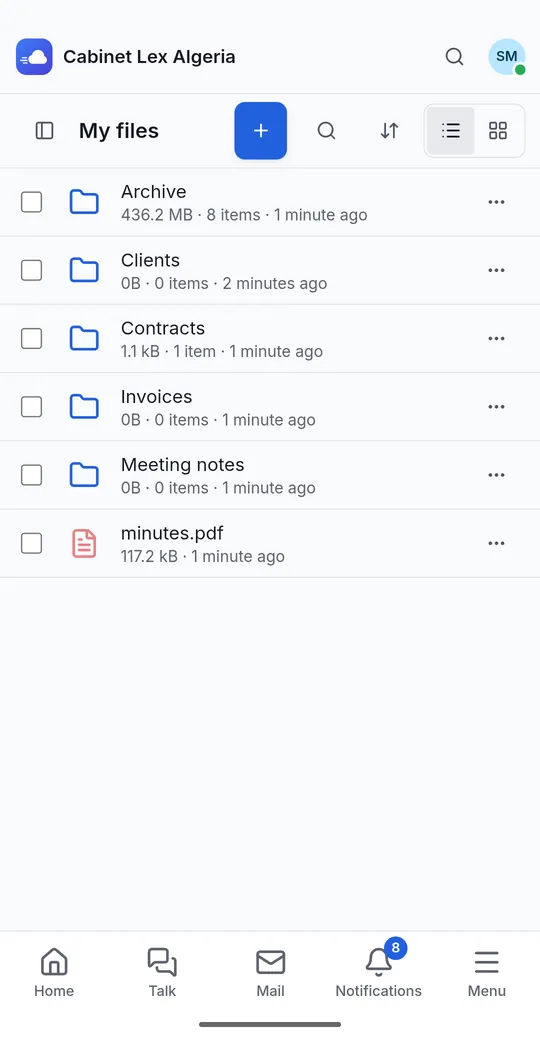
Browse, share and edit your files and team folders. Uploads continue in the background and resume where they stopped.
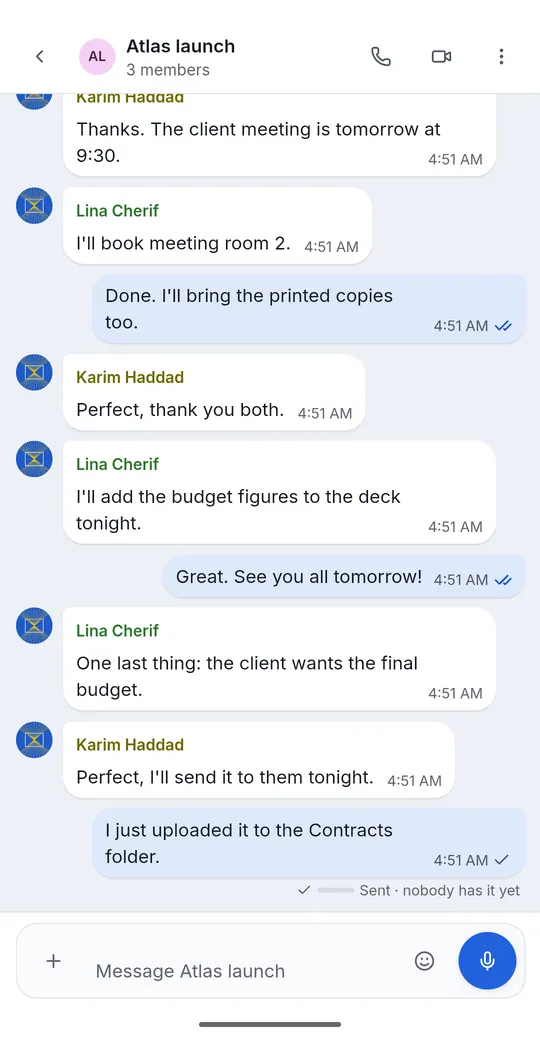
Conversations, voice and video calls that reach you with the app closed, even over the lock screen.
Shared calendars and address books, synced both ways with your phone's own Calendar and Contacts apps.
Read and send from your own mailboxes, next to your files and meetings. FastCloud never hosts your mail.
Write, tag and share notes, and link them to the work around them.
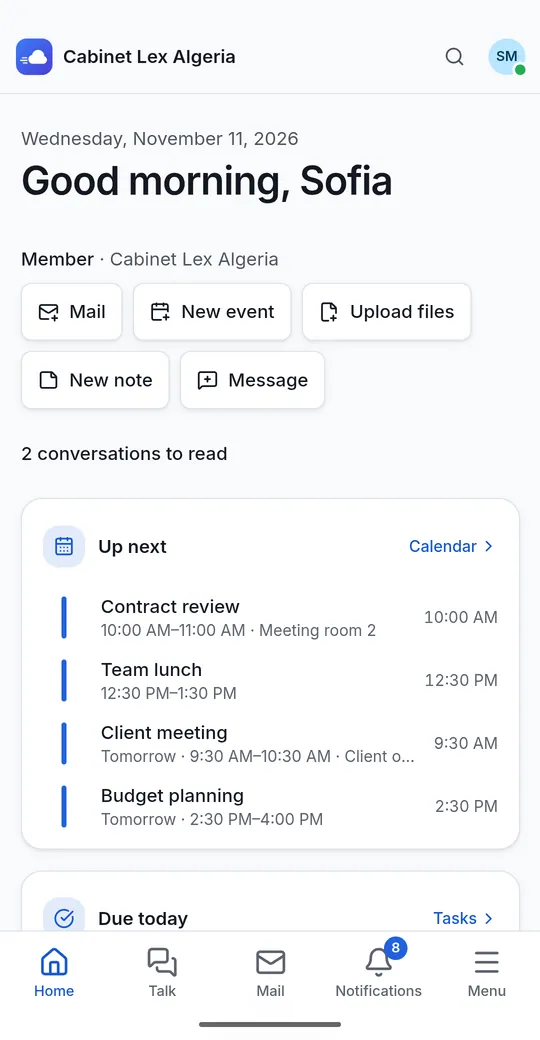
Kanban boards and personal tasks, with what is due today waiting on your home screen.
A team wiki for what your organization knows, with pages, comments and history.
One-time links for sensitive text and files, encrypted in your browser: the key never reaches the server.
Open and edit documents, spreadsheets and presentations without leaving FastCloud, when your organization turns it on.
Made for your phone
FastCloud adds what a phone needs, and none of it gets in your way.
Notifications arrive with the app closed, and you can reply from the notification itself. Incoming calls ring full screen, even over the lock screen, and a video call shrinks to a small floating window.
FastCloud appears in the file picker of other apps: open a document in Word or Excel and save it back as a new version. Share into FastCloud from anywhere, or scan paper to PDF with the camera.
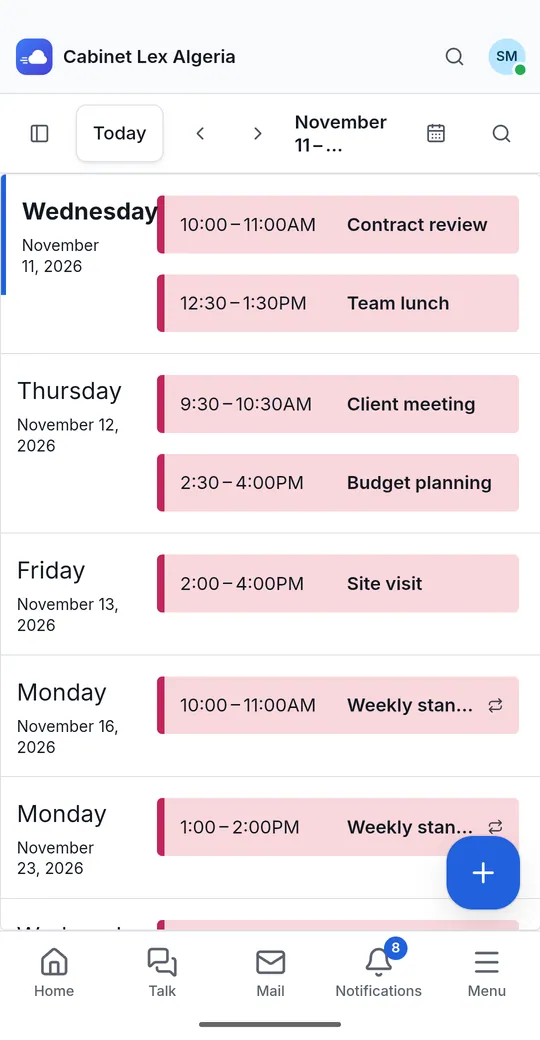
Your calendars and address books sync both ways with the phone's own apps, and people in your contacts are recognized by name when they call you.
Widgets for unread messages, your next meetings and recent files, and shortcuts on the app icon for a new message, a scan, an upload or a new event.
Keep several accounts on one server or on several, and switch between them from the account list. Lock the app with your fingerprint, face or screen lock.
Yours to control
FastCloud is a collaboration suite that an organization can run on its own server or use as a service. Either way, your files, mail and messages are kept on your organization's server.
Get FastCloud
Install the Android app now, or use FastCloud in any browser.
The Android app will be available here soon.
The Google Play version is on its way. It will be the same app.
An iOS app is planned. Until then, FastCloud works in any browser.
No install needed. Sign in from any device.
Begin with your own workspace at no cost. Plans for teams are coming, and they will be described here when they are ready.
Questions
You can start for free. Plans for teams are coming, and they will be described on this page when they are ready.
Yes: the one your organization gave you. You can create your own organization on our service, or use a FastCloud server run by your organization.
Your files, mail and messages are kept on your organization's FastCloud server: ours if you use our service, yours if you run your own.
Yes. FastCloud is built to be self-hosted with Docker or Podman and automatic HTTPS, or used as a service. Write to us and we will help you choose.
Android 8.0 and later.
The Google Play version is coming soon. Until then you can install the same app directly. It is signed with the key the Play version uses, so you can check it is genuine.
Not yet; it is planned. FastCloud already works in any browser on an iPhone or iPad.
English, French and Arabic, with a right-to-left layout in Arabic.